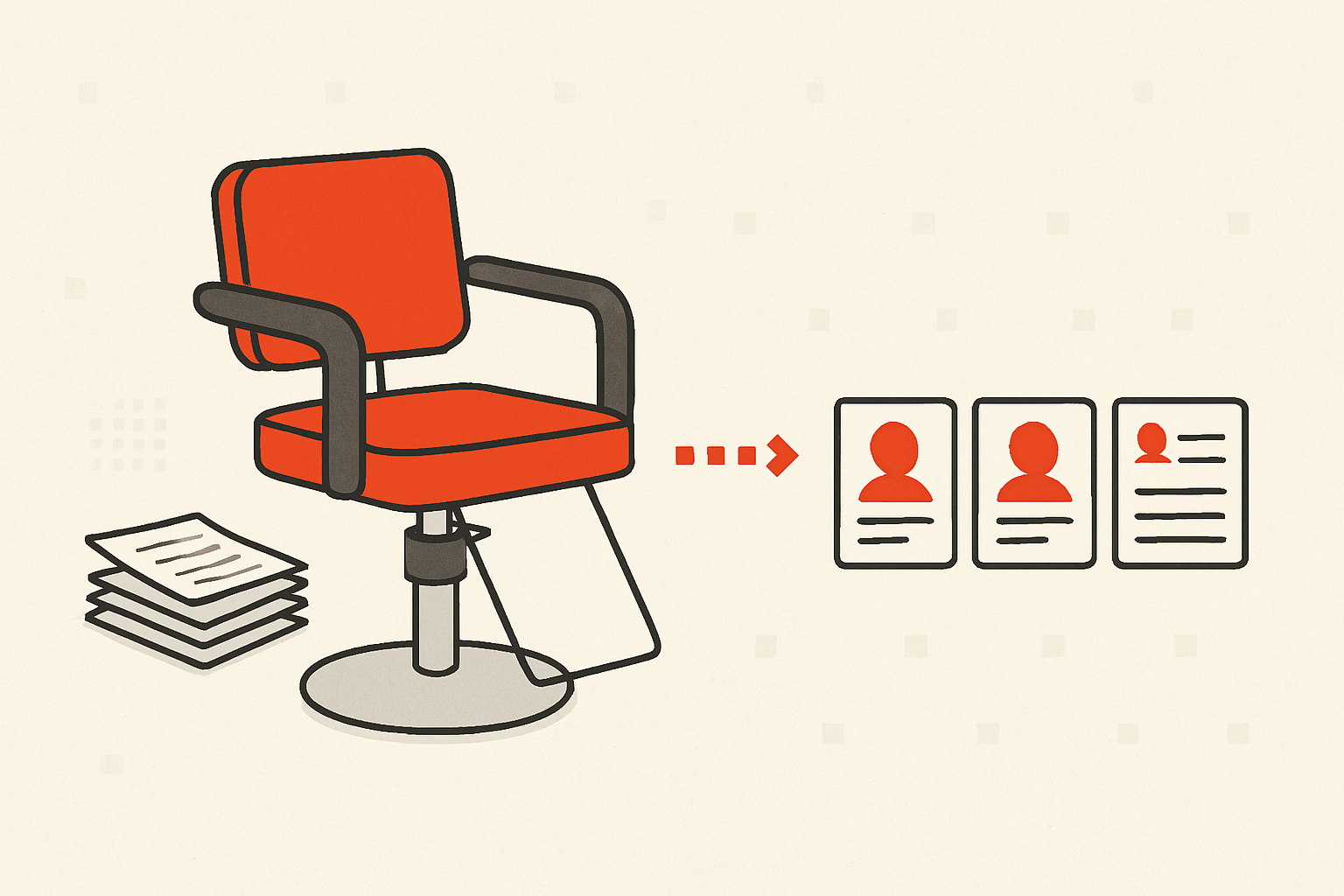
Most salon and spa software is really booking software with a calendar bolted to the front. That's fine for taking appointments — but the part that actually keeps a chair full is remembering who your clients are and nudging them back before they drift. A free CRM for hair salons and spas does exactly that: it holds client preferences, color formulas, and rebooking reminders in one place, without locking you into a monthly subscription you only use for half its features.
This guide is about the relationship side of the business — the notes, the history, the follow-ups — not the appointment grid. If a client hasn't rebooked in ten weeks and you usually see them every six, that's the problem worth solving, and it rarely needs a booking engine to fix.
What a salon or spa actually needs to remember
Your appointment book tells you who's coming tomorrow. It doesn't tell you the things that make a client loyal:
- Preferences and formulas — the exact color mix, developer, processing time, the stylist they always want, the fact that they hate small talk during a facial.
- Service history — what they had last time, how long ago, what they usually book together.
- Rebooking cadence — root touch-ups every 5–6 weeks, a facial every month, a cut every 8 weeks. Each client has a rhythm.
- Who's drifting — clients who used to come regularly and have quietly gone quiet.
- Referrals and spend — who sends you new people, and who's worth a little extra attention.
None of that lives naturally in a calendar. It ends up on index cards, in a stylist's head, or in a notes app only one person can see. When that person leaves, the client relationship walks out with them.
The manual version (and why it cracks)
A spreadsheet can hold a lot of this. One row per client, columns for last visit, usual service, formula, and a "next due" date. Sort by next due, and you have a rebooking list. Plenty of small salons run exactly this way for a while, and it genuinely works — until it doesn't.
It cracks when the front desk, two stylists, and an aesthetician all need to see and update the same record at once. It cracks when "follow up" is a column you have to remember to read instead of a reminder that comes to you. And it cracks the first time someone sorts the sheet without freezing the header row. If you're at the spreadsheet stage, our CRM vs. spreadsheet comparison is a fair look at when the sheet stops paying for itself.
How a free CRM covers the client side
A CRM is built for exactly this shape of problem: people you have a repeat relationship with, a history worth keeping, and follow-ups that can't depend on memory. Here's how the pieces map to a salon or spa, using crm-153 as the example since it's genuinely free — no contact caps, no paid tier, so you can verify every claim here at no cost.
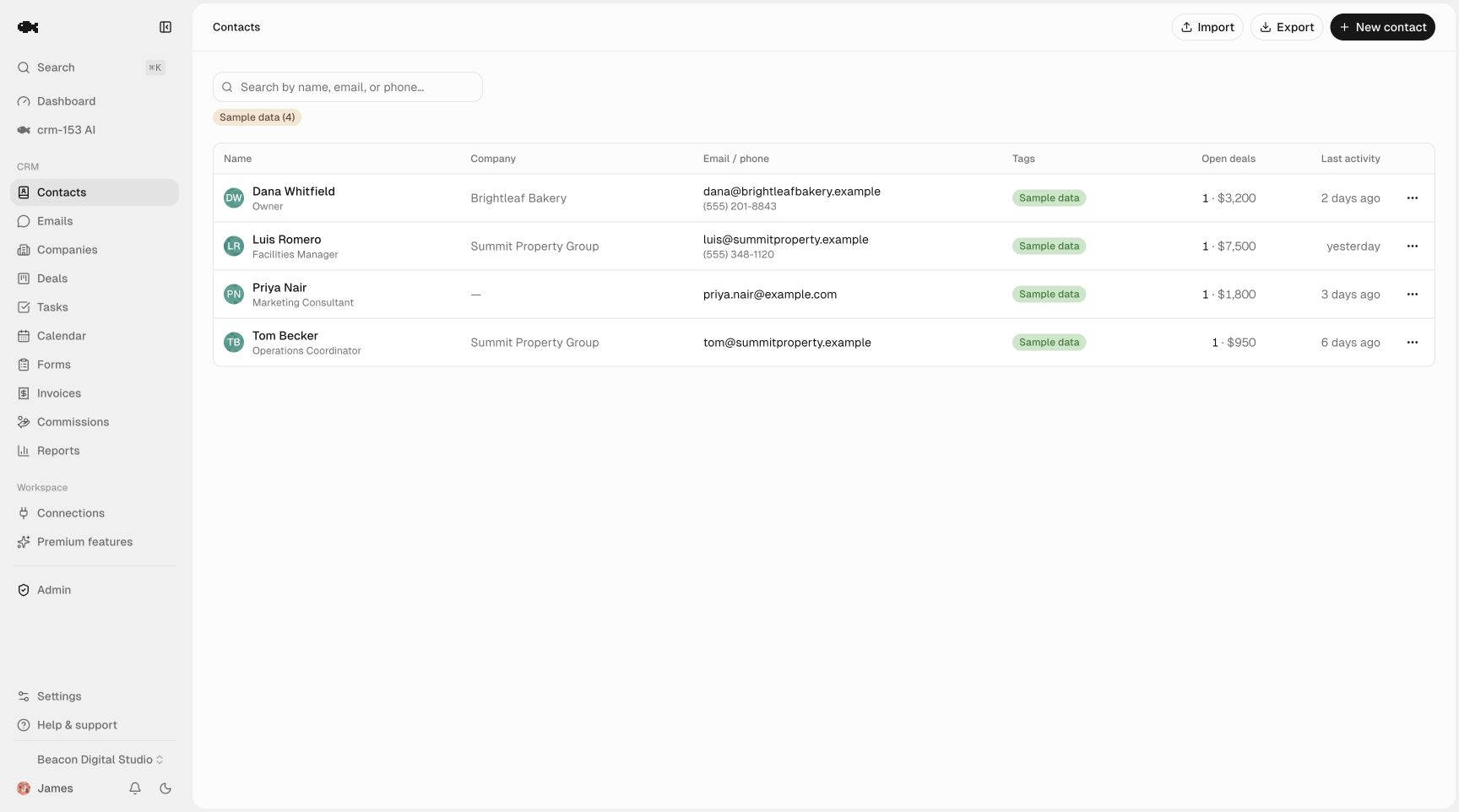
Client records that everyone can see. Each client is one record in contact management with their phone, email, and tags like color-client, facial, VIP, or the name of their usual stylist. Search is instant, so the front desk can pull up "that redhead who comes on Saturdays" by name or tag in seconds. Every seat is free, so your whole team shares the same records — see unlimited team seats.
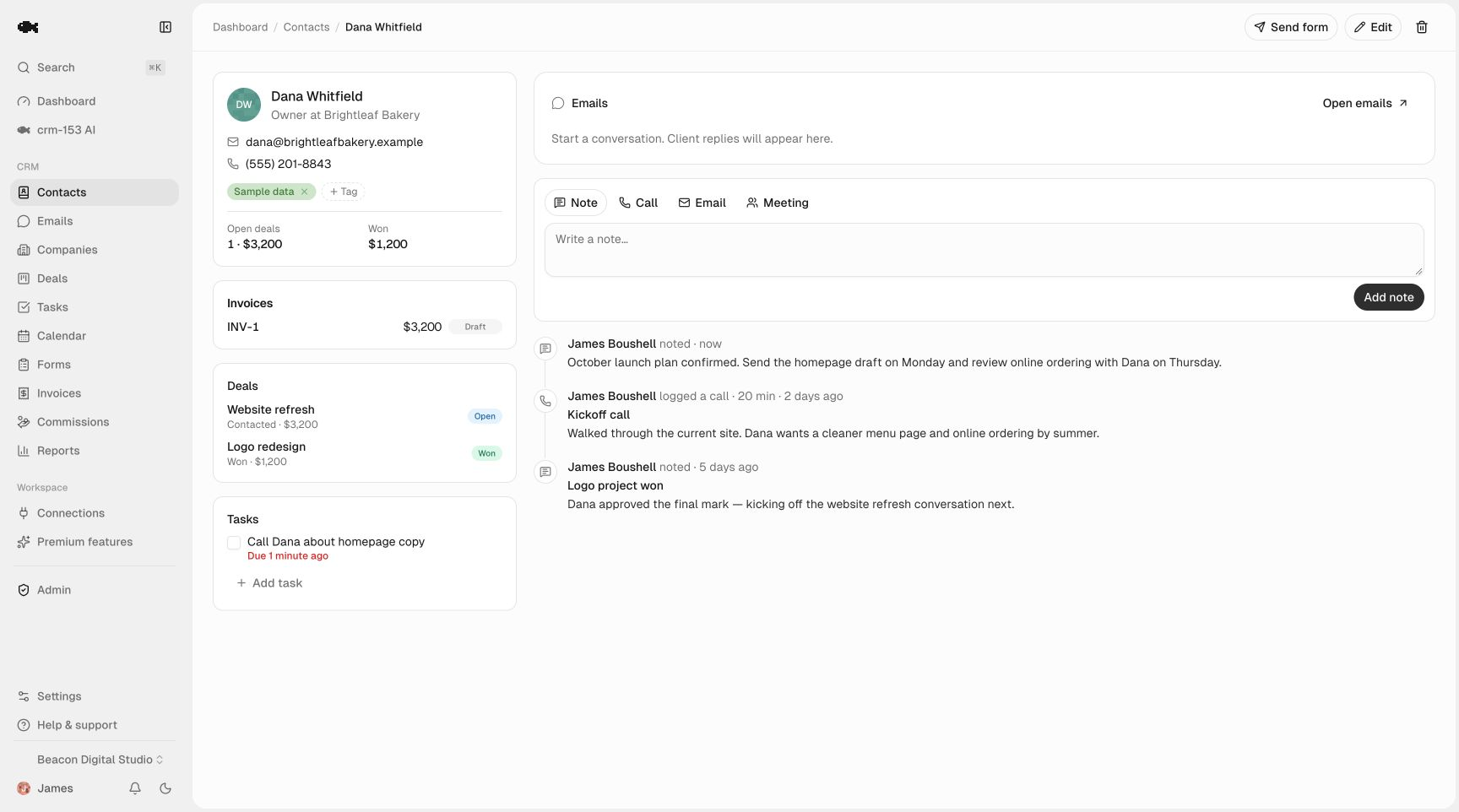
Preferences and formulas on a timeline. The activity timeline logs each visit as a note — "7N + 20 vol, 35 min, loved it, wants to go lighter next time" — in one click, with the date attached. The next stylist opens the record and sees the whole history, not a blank card. This is the single most valuable thing a CRM does for a salon: it moves the client's story out of one person's head and into a record the team shares.
Rebooking reminders that come to you
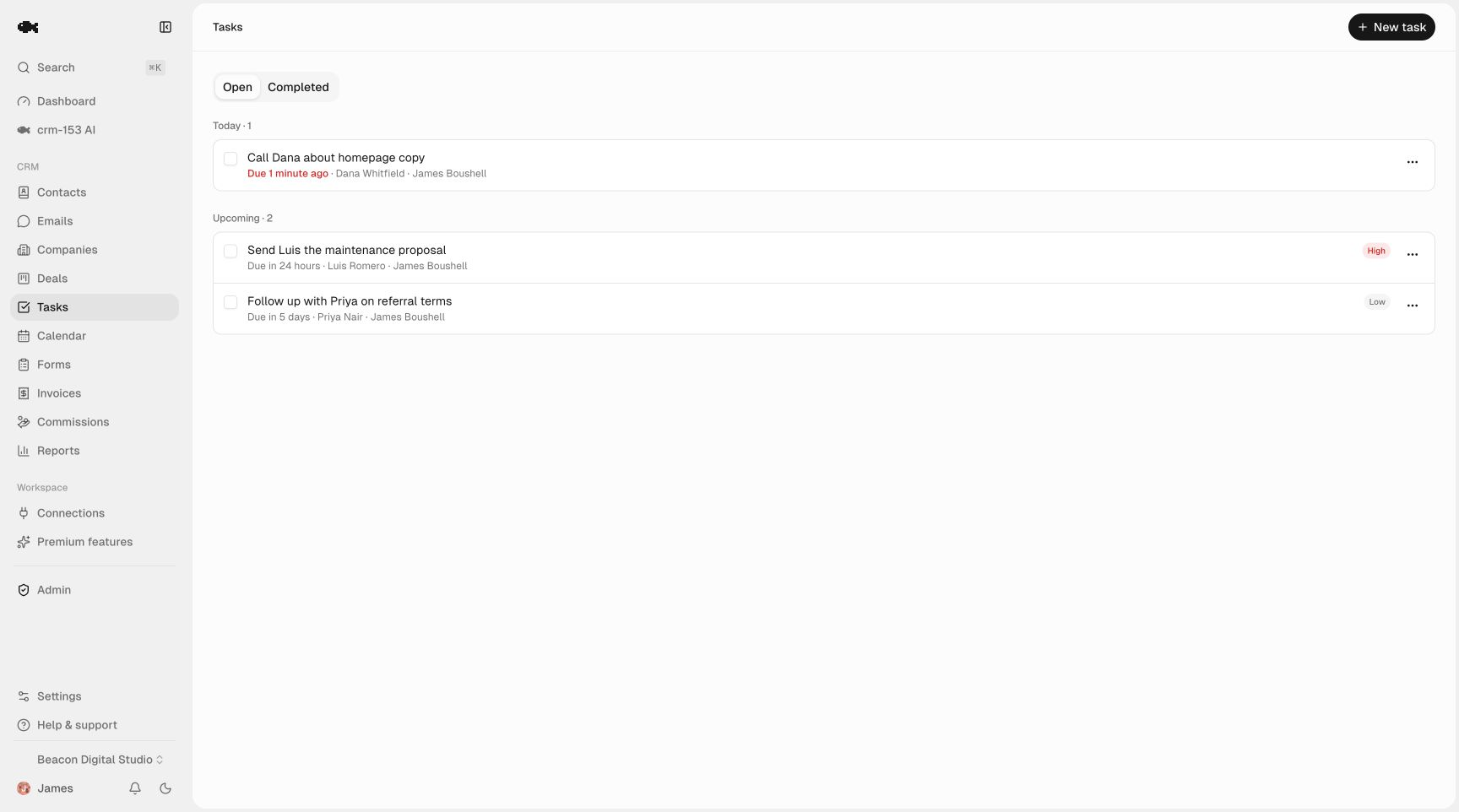
This is where a CRM beats a spreadsheet outright. After each appointment, create a task and reminder to reach out at the right interval — "text Priya about her 6-week root touch-up" dated five weeks out. You get an in-app and email nudge when it's due. No scanning a sheet, no relying on the client to call back.
Group your day around the Today / Overdue / Upcoming view and your rebooking list builds itself. A quiet Tuesday morning becomes an hour of texting the clients who are due, instead of hoping they remember you first.
A simple cadence to start with:
| Service | Typical rebooking window | Reminder to set |
|---|---|---|
| Root/color touch-up | 5–6 weeks | At 5 weeks |
| Haircut | 6–8 weeks | At 6 weeks |
| Facial / membership | 4 weeks | At 3.5 weeks |
| Lash fill | 2–3 weeks | At 2 weeks |
If you want the thinking behind cadences that actually hold up, the lead follow-up system guide applies cleanly to rebooking, not just new leads.
Catching clients before they drift
A pipeline isn't only for sales. You can use the sales pipeline board as a win-back tracker: columns like Active → Due now → Reached out → Rebooked → Lapsed. Drag a client along as you work them, and at a glance you can see who's slipping. It turns "I think we've lost a few regulars" into a visible, workable list.
For a bigger-picture morning check, the dashboard shows tasks due and recent team activity so whoever opens up knows who needs a nudge today.
Getting your client list in without retyping
You almost certainly have a client export sitting in your current booking tool or a spreadsheet. Use CSV import and export to bring it in — the column mapper lines up names, phones, and emails, and it dedupes by email so you don't end up with two of the same regular. And because full export is always free, your client list is never held hostage; you can take it with you whenever you want. (That's not always true of booking platforms — check the export terms of anything you're already paying for.)
When you still need booking software
To be honest about the limits: crm-153 is not a calendar and doesn't take online appointments or run a point-of-sale. If you need clients to self-book and pay online, keep your booking tool for that. The CRM sits alongside it as the memory layer — preferences, history, and rebooking follow-ups — so you're not paying a premium booking subscription just to store a client's color formula. Many small salons run both, and since the CRM is free, there's nothing to justify.
Not sure a general CRM fits your trade? Our take on whether there's a truly free CRM and the best free CRMs for small businesses round-up will help you compare honestly.
If you want to see how it feels before signing up, poke around the live demo — it's a real read-only workspace. When you're ready, start free: no credit card, no trial clock, nothing to cancel later.