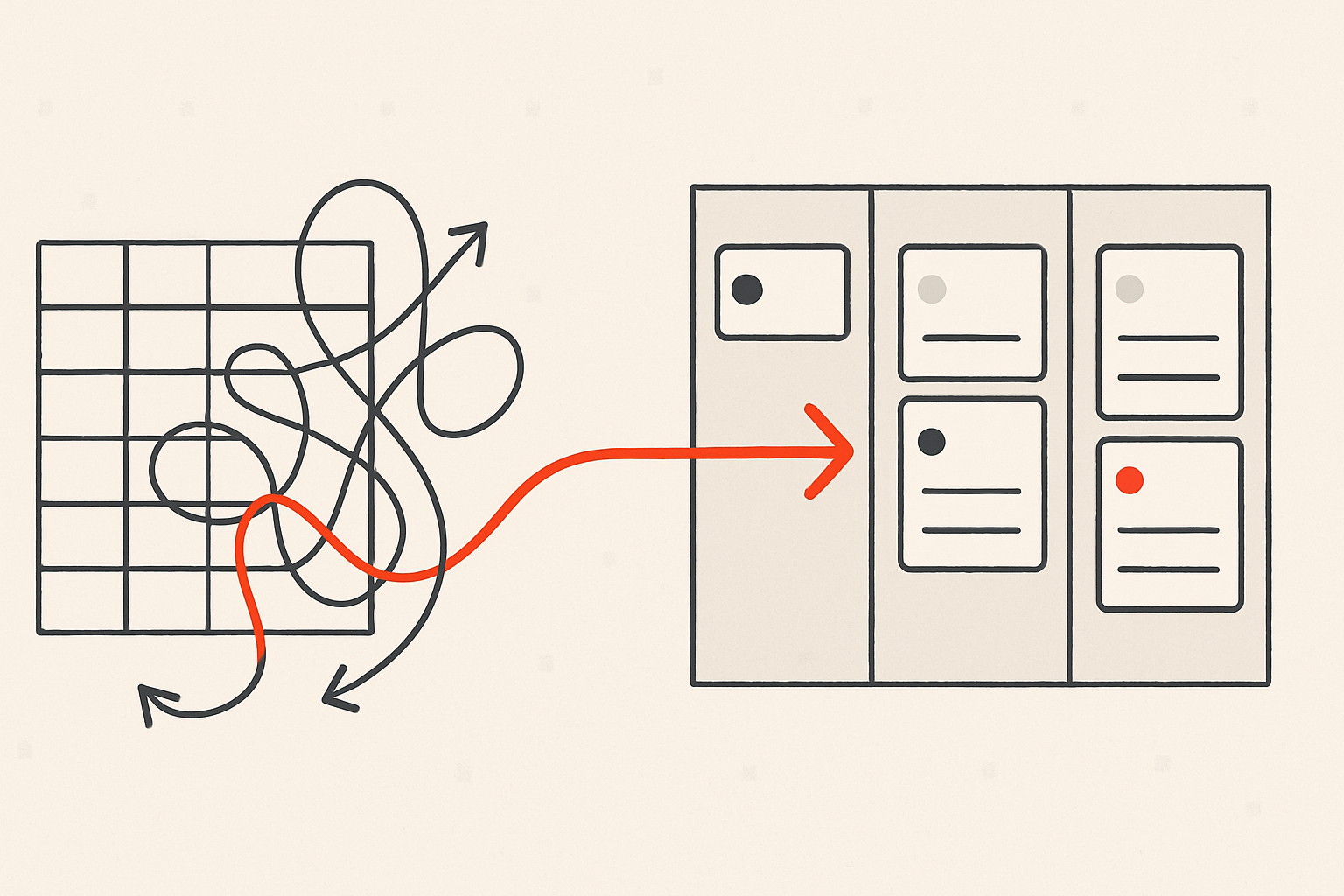
The moment a second person starts touching your deals, the spreadsheet you've been running quietly stops working. You can't both edit it without one of you overwriting the other, nobody knows who's calling which lead, and the owner ends up re-typing everything into a status email on Fridays. This guide covers how to share a sales pipeline with your team for free — the practical steps to go from a solo sheet to a visible, shared board with clear ownership, without paying per seat and without the whole team stepping on each other.
Why a solo spreadsheet breaks the moment you add a person
A single-owner sheet works because one brain holds all the context. Add a teammate and three problems show up fast:
- Edit collisions. Two people in the same file means stale copies, lost rows, and "wait, I thought you closed that?"
- No ownership. Without a clear owner on each deal, leads fall between people — everyone assumes someone else has it.
- Invisible activity. You can see the status of a deal in a sheet, but not that a teammate already called the prospect twice this week.
The fix isn't a bigger spreadsheet. It's a shared pipeline where every deal has an owner, every interaction is logged in one place, and everyone sees the same board. If you're still deciding whether to make the jump at all, CRM vs. spreadsheet walks through exactly when the sheet stops paying for itself.
Step 1: Rebuild your pipeline stages before you share it
Before you invite anyone, get the stages right. A shared board is only useful if "where is this deal?" has the same answer for everyone looking at it. Define stages around decisions, not vibes — Qualified, Quote sent, Verbal yes, Won — so a deal only moves when something concrete happened.
If your current columns are fuzzy, fix that first. We go deep on this in how to define sales pipeline stages that match how you actually sell. The short version: each stage boundary should correspond to an action the prospect or you just took, and "won" and "lost" should be their own clean exits.
Step 2: Set an owner on every deal
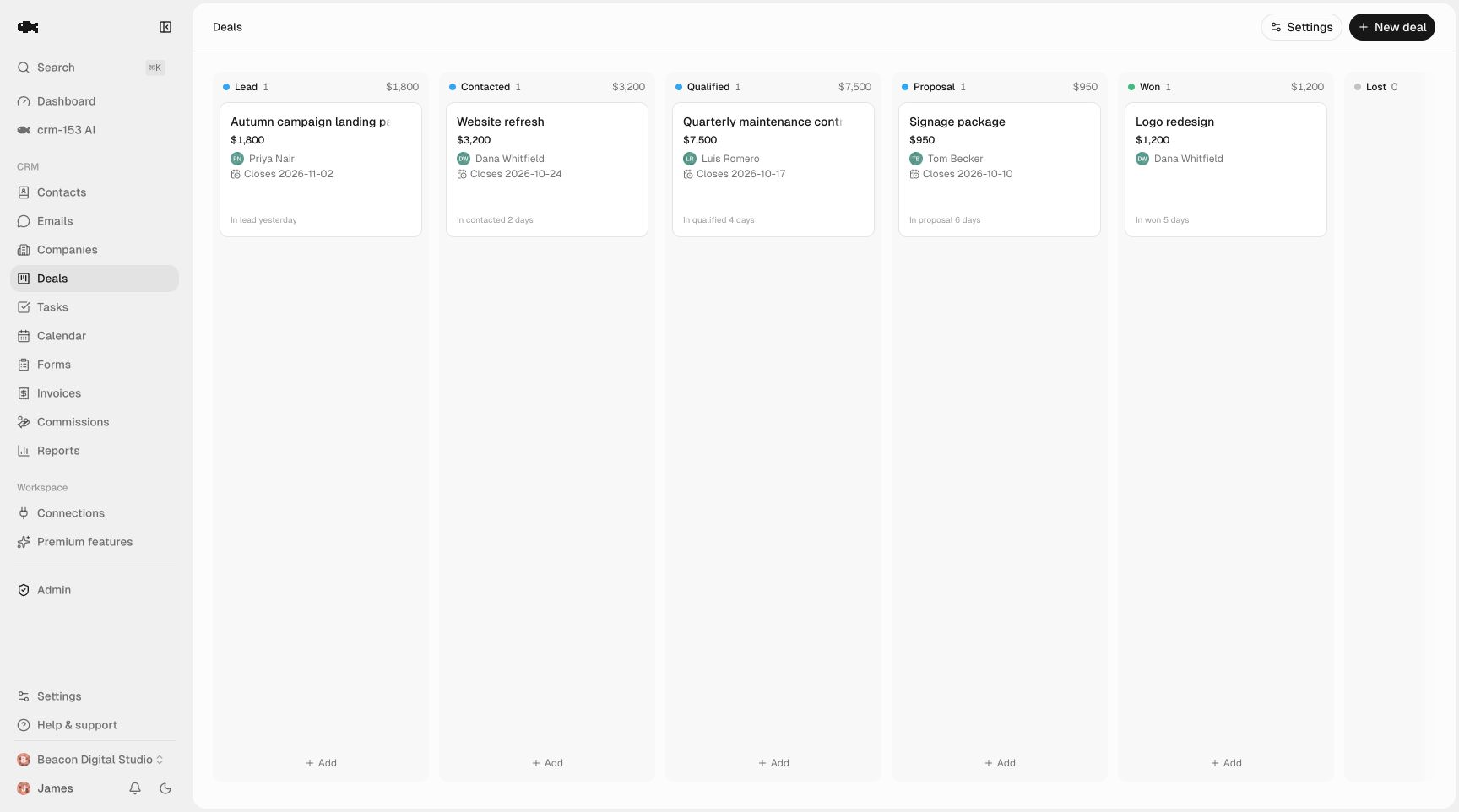
Ownership is the single most important thing you add when a pipeline goes from solo to shared. Every deal needs exactly one name on it — the person responsible for the next move. Not "sales," not two people, one.
A good pattern for a small team:
- Owner = next action. Whoever owns the deal owns the next call, email, or quote.
- Reassign explicitly. When a deal hands off (say, from whoever took the inbound to whoever runs demos), change the owner — don't just mention it in passing.
- Use "mine" filters daily. Each person should be able to filter the shared board down to just their deals so they know their own list without digging.
This is also what kills the worst failure mode of a shared pipeline: two people working the same lead because neither knew the other had it.
Step 3: Make activity visible so nobody doubles up
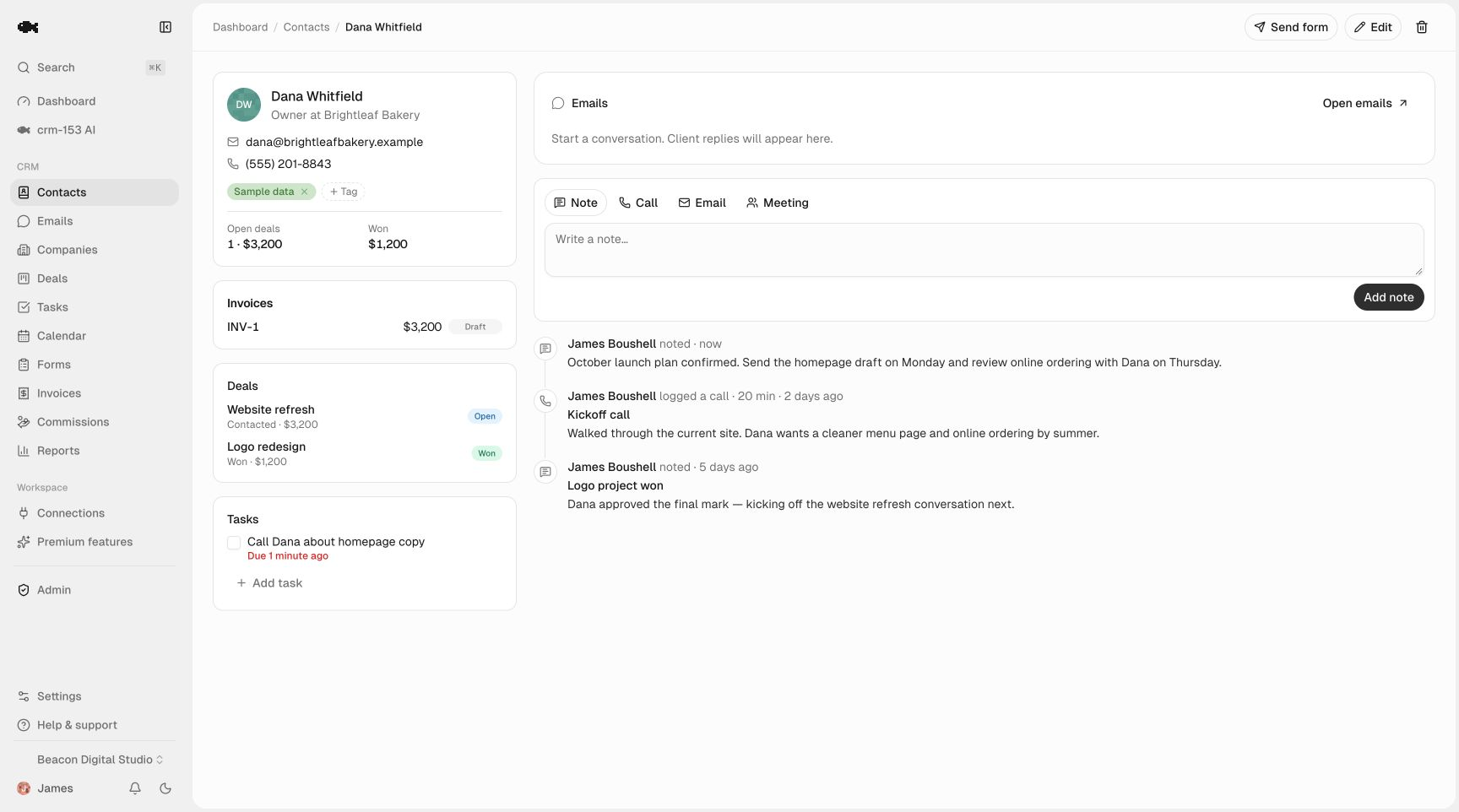
Owners prevent most duplicate outreach. Shared activity history prevents the rest. If your teammate can open a contact and see "called Tuesday, left voicemail, emailed Thursday," they won't re-send the same email an hour later.
In a spreadsheet, activity lives in people's sent folders and heads. On a shared timeline, a quick note after every call or email means the context travels with the deal — useful when someone's out sick, when a lead comes back after months, or when the owner changes.
Step 4: Agree on who does what
Sharing a pipeline is as much a team agreement as a tool. Write down a few rules everyone follows:
- Log it or it didn't happen. Every meaningful touch gets a one-line note, same day.
- Move the card when reality changes. The board should reflect the truth, not last week's truth.
- Don't poach owned deals. If it's got someone's name on it, talk to them before you reach out.
- Weekly review. Run through the board together once a week — anything stuck, anything with no next step scheduled.
These habits are what make the data trustworthy. A shared pipeline that half the team forgets to update is worse than a sheet, because now people are making decisions on bad data.
How crm-153 does this without per-seat fees
Everything above is doable manually, but it's fiddly to keep clean across a team. This is exactly what crm-153 is built for — and because it's genuinely free with no paid tier and no seat limit, you can put your whole team in it and verify all of this yourself at no cost.
- The sales pipeline is a drag-and-drop board the whole team sees at once, with unlimited custom stages and per-column value totals so you know what's actually in play.
- Contact management gives every contact and deal an owner, plus the "mine" filters so each person can see their own list on the shared board.
- The activity timeline is one-click logging of calls, emails, meetings, and notes — a shared history on each deal, so nobody re-works a lead a teammate already touched.
- Tasks and reminders attach a scheduled next step (and an automatic in-app + email nudge) to every deal, so handoffs don't drop.
- Unlimited team seats means you add everyone — owner, closers, the part-timer who covers weekends — without counting heads or hitting a user cap.
Unlike free tiers that cap seats or lock export behind a paid plan, there's no catch to watch for here — the whole model is explained plainly on the pricing page. And when you've got existing deals in a sheet, CSV import and export brings them in with a column mapper and email dedup, and your data is always exportable if you ever want to leave.
If you want to see a shared board before committing anything, the live demo is a real read-only workspace — board, contacts, and all. For the step-by-step of moving your existing sheet over cleanly, pair this with how to migrate from a spreadsheet to a CRM without losing data.
A simple rollout for next week
You don't need a project plan. Here's a realistic order:
- Clean the stages in your spreadsheet so they mean one thing each.
- Import the sheet and assign an owner to every open deal.
- Invite the team and have each person filter to their own deals.
- Set one rule to start — log every touch — and add the others once that sticks.
- Run one weekly review off the shared board instead of a status email.
That's the whole transition. Within a week you've traded version-conflict chaos and duplicate calls for one board everyone trusts.
A shared pipeline isn't about control — it's about never losing a deal to the gap between two people. When ownership is clear and activity is visible, that gap closes. You can start free with your whole team, no credit card and no trial clock, and keep your data exportable the entire time.